macOS App

How to setup our VPN on Mac
Securing your internet is hassle-free with the best VPN for Mac in 2022. It takes just five minutes to get set up.
-
Choose a plan on the plan page.
-
Download and install the Fqtz app for Mac on your MacBook or iMac.
-
Connect to any of our server locations.
-
Use the internet the way you want to use it!
If you need help, the Fqtz Support Team is available via live chat and email.
Connect our VPN in 3 easy steps
Step 1
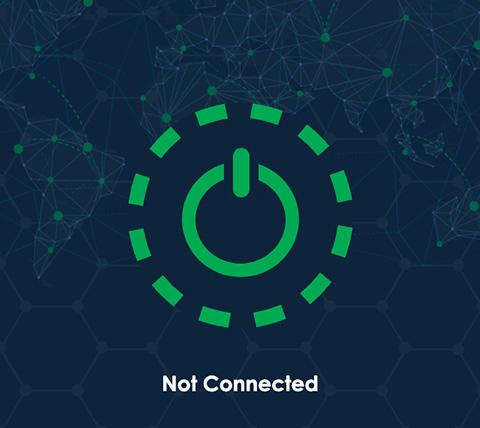
Tap the On Button to use the VPN. To connect elsewhere, tap the location bar.
Step 2
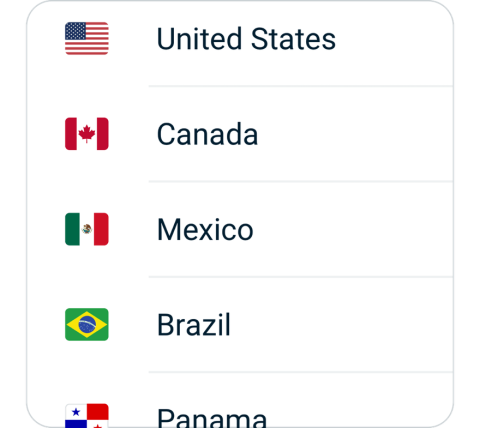
Choose a VPN server location from the Recommended or All Locations tabs.
Step 3
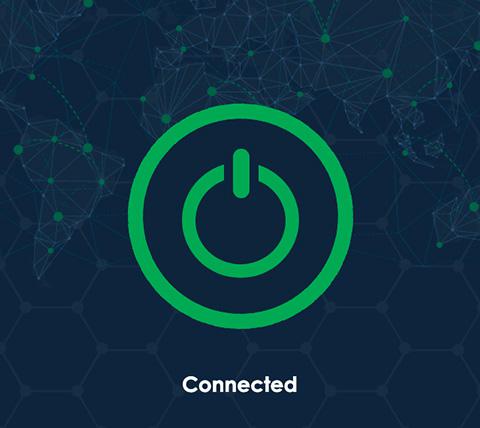
Once on, you can browse, stream, and download with security and privacy.

Download our VPN for All Mac computers
Fqtz works with all Apple desktops and laptops.
Connect to Fqtz on:
MacBook, MacBook Air, MacBook Pro, iMac, iMac Pro, Mac Pro, and Mac mini.
Fqtz is compatible with:
macOS Monterey (12), macOS Big Sur (11), macOS Catalina (10.15), macOS Mojave (10.14), macOS High Sierra (10.13), macOS Sierra (10.12), OS X El Capitan (10.11).
Need the same great VPN access on your iPhone, iPad, or iPod touch? Get a VPN for iOS and use them all simultaneously. You can even set up your Mac to share a VPN connection over Wi-Fi.

Gaming on Mac with our VPN
Gaming online on Mac with Fqtz keeps your data private while also protecting you from DDoS (distributed denial of service) attacks. A VPN can also lower ping times between gaming servers by connecting you to locations closer to the network hosts.
If your internet service provider is throttling gaming traffic, Fqtz can also bypass those restrictions to restore your network speeds to their default levels. In some instances, gamers have even reported faster speeds.
Why choose us?
More VPN locations
Connect your device to a huge network of server locations in many countries globally.
Optimized for speed
Fqtz constantly optimizes servers to deliver the fastest speeds possible.
Superior connection reliability
Enjoy industry-leading connection stability and reliability, no matter where you are in the world.
Multilingual interface
English not your first choice? Try Fqtz in any other languages.
Best-in-class encryption
Secure and protect all of your data with best-in-class AES 256-bit encryption.
Advanced leak protection
Strong leakproofing is enabled by default, ensuring your privacy and security stay intact.
Content from anywhere
Access all the apps and services you need to work, stream, and play.
Hide your IP Location
Hide your IP and location to prevent tracking of browsing activity and metadata.
No activity or connection logs
Fqtz does not and will never log traffic data, DNS queries, or anything that could be used to identify and track you.
Live chat support
Real time live chat to give you support about Fqtz on any device. Or visit our Support Center for frequently asked questions.
VPN traffic split tunneling
VPN traffic split tunneling allows you use some apps and websites through a VPN while the others access the internet directly.
RAM Only Server
Our VPN servers run on RAM only to ensure no data is ever written to a hard drive, keeping you secure.
Unlimited bandwidth
Watch as much Youtube, Netflix or any sort of videos as you want. There is no speed limiting or data usage capping.
More devices simultaneously
With one Fqtz account, you can use on all your devices. The default plan gives you 3 devices, and you can buy extra devices as you wanted.
Wide-ranging payment methods
Fqtz accepts credit cards, Paypal, Wechat Pay, Alipay and Union Pay.
Bypass Internet Censorship
Fqtz's innovative data encryption and transmission technology lets you bypass the internet censorship and access the geo-blocked websites, apps and services.